VideoShow - AI Video Editor, Movie Maker and AI Video Generator!
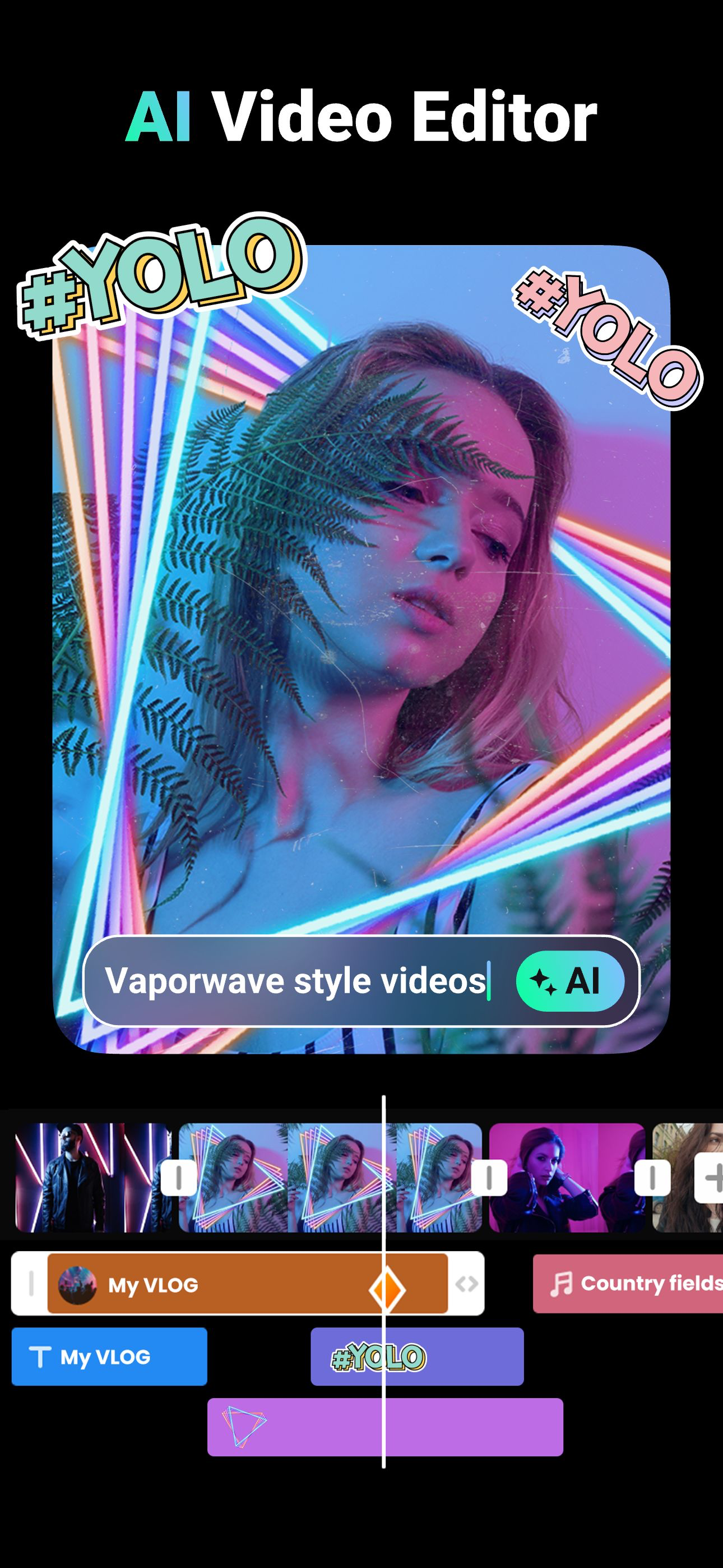
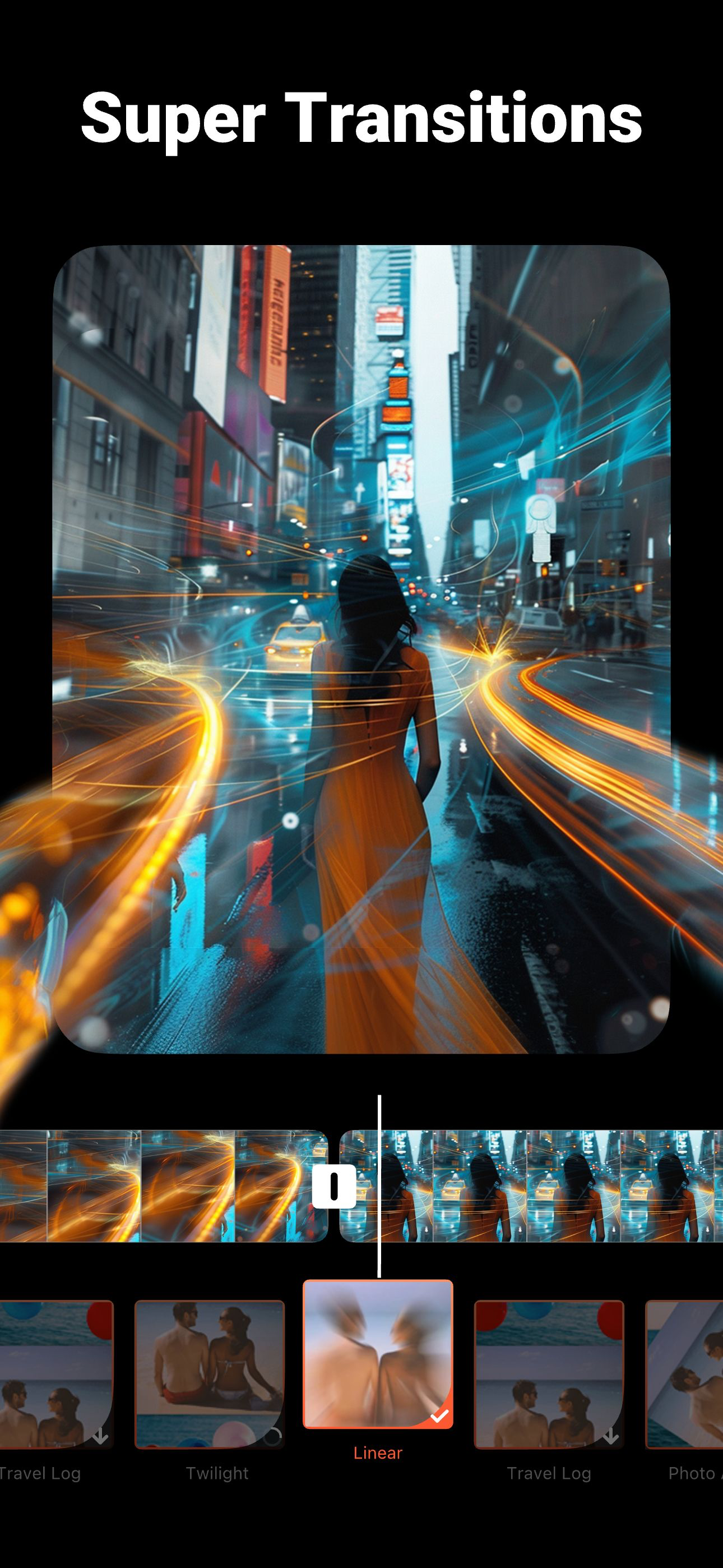
VideoShow makes AI video editing easy and fun! Create stunning videos with AI Effects, stickers, filters,transitions, and music. Personalize your vlogs, memes, and stories with scroll texts, FX, GIFs, and live dubbing. Now powered by advanced AI models — Seedance 2.0, HappyHorse 1.0, VEO 3, Pixverse, Vidu, Kling, and Hailuo — VideoShow boosts creativity like never before. Generate videos from photos or text, apply smart effects, capture precious moments like weddings, birthdays, Halloween, Christmas and Valentine’s Day, and share on TikTok, Rednote, Instagram, and Facebook!
Professional Video Editor & Photo Editor:
- AI Video Generator: Transform your ideas into reality! Generate videos from photos, selfies, or text prompts.
- Ready-Made Templates: A trendy video will be made wth simple steps.
- Audio extractor: Extract clear audio from any video, convert video into music.
- 4K export, save HD video with no quality loss
- Use video overlay, display multiple videos in one screen. Make double exposure effect.
- Add emojis or animated filter
- Easy-to-use, splice video clips together
- Add voice-over, Fully licensed music
- No watermark / No ads after updating to vip.
AI Video Generator Tool:
- Image to Video / Photo to Video. Upload one or more pictures and let AI animate them into dynamic videos.
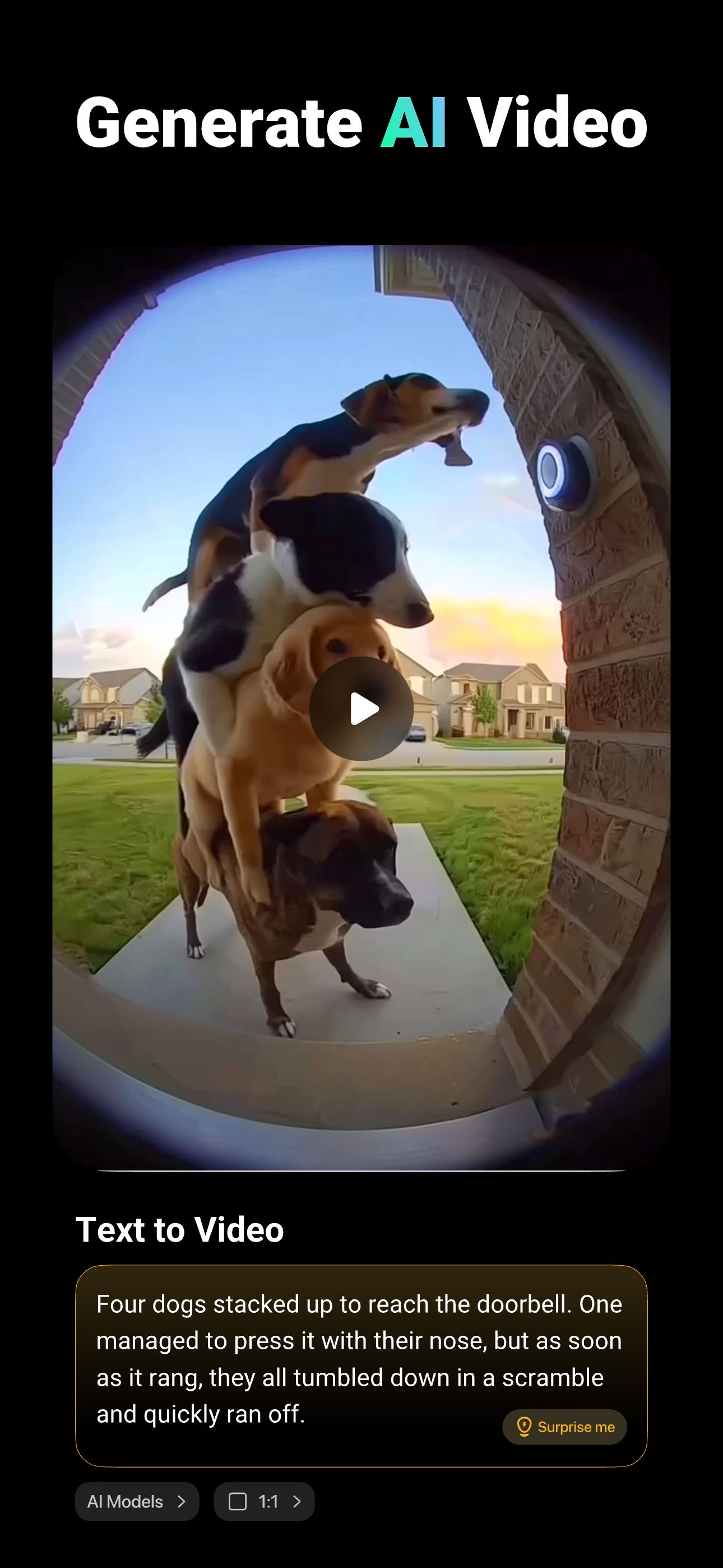
- Text to Video. Simply enter text and choose a style, AI instantly brings your story to life.
- AI Keyframe Video. Upload two images (start and end frames) and let AI generate smooth transitions between them.
- AI Video Blending. Combine multiple elements in photos and describe their interactions, AI creates seamless video scenes.
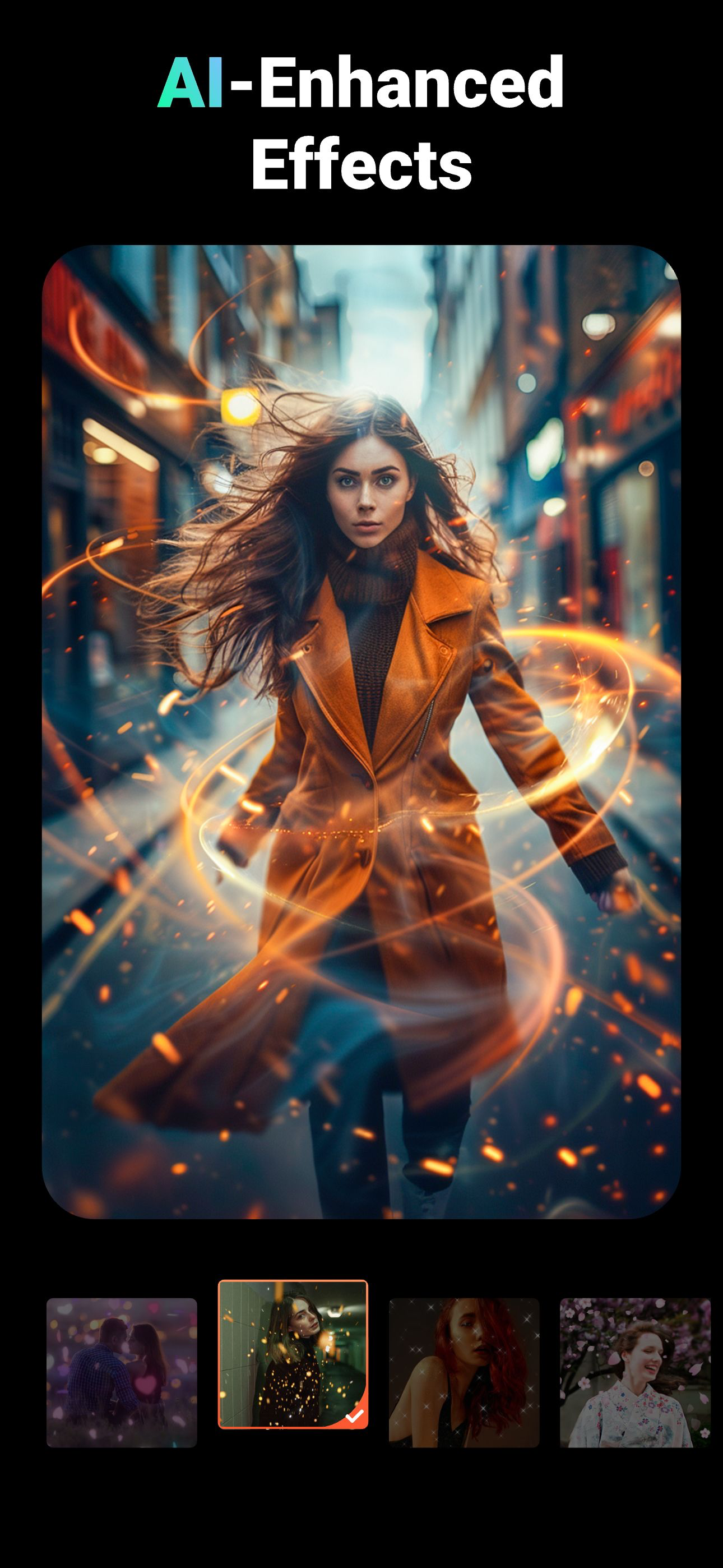
- AI Auto Editing. Just choose, and let AI seamlessly add effects, filters, and themes.
- AI Cutout: Remove backgrounds from photos and videos in one tap. No green screen needed. Perfect for PIP overlays and creative edits.
- AI Subtitles. AI-powered speech-to-text helps you say goodbye to manual typing.
- AI Voice Changer. Transform your voice into countless styles.
- AI Mosaic. Protect privacy or create stylized effects with AI-powered mosaic tools.
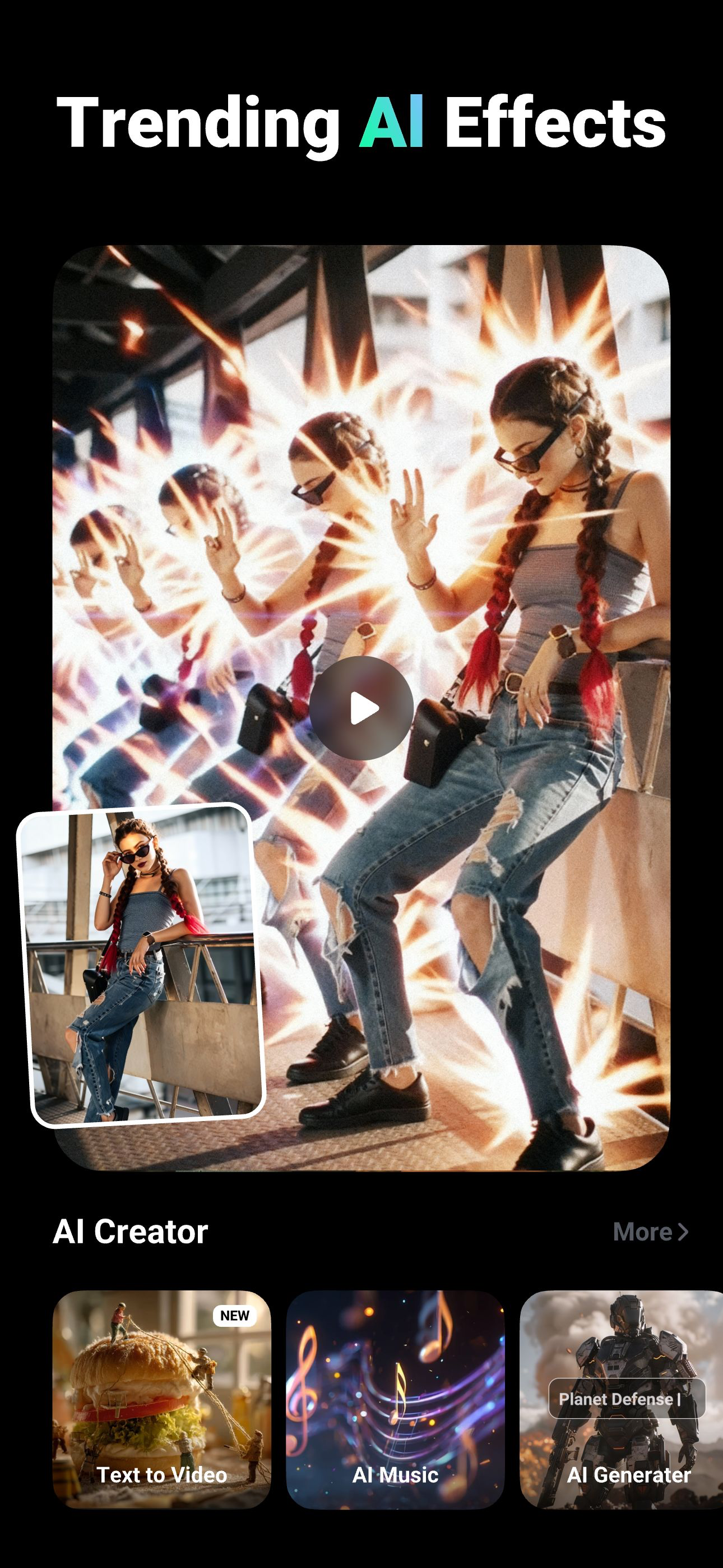
- AI effects. Customized video filters and video effects, stroke, auto-blur, etc.
All-in-one editor:
- Use elaborate themes to create music video, slideshow or vlog instantly.
- Various background music, you can add local songs from your device too.
- Variety of text styles and fonts to create artistic subtitles.
- Add stunning filters to make your video different.
- Blurred background, voice enhancement and speed adjustment features available.
- Multiple music can be added, adjust music volume, fade in/ fade out option.
- Easily adjust the video ratio of Instagram/TikTok posts.
- Gif export: make your own funny gifs with pictures from your album.
Powerful video editing tools:
- Splice, merge, convert video to MP3, collage and loop easily.
- Zoom in/out to focus on details.
- Fast motion/slow motion to adjust speed.
- Doodle on video, reverse video, compress video, trim soundtrack, and more.
- Fantastic Materials Center: Themes, filters, stickers, gifs, memes, emojis, fonts, sound effects, FX, etc.
Share your life story on social networks:
- Support GIF, Full HD 1080p, and Ultra HD 4K export.
- Share directly to Instagram Reels, Facebook, TikTok, REDnote, Whatsapp, Kwai, and Weibo, and more.
Turn imagination into reality with VideoShow AI Video Maker! From AI video generation — photo to video, or text to video — to pro video editing tools powered by Seedance, HappyHorse, VEO, Pixverse, Vidu, Kling, and Hailuo, VideoShow AI Video Editor makes every idea shine. Whether you’re a beginner or a pro, VideoShow AI Video Generator makes it easy to create viral, fun, and high-quality videos worth sharing.
Disclaimer:
VideoShow is not affiliated, associated, sponsored, endorsed by, or in any way officially connected with Instagram, TikTok, WhatsApp, YouTube, Facebook, Twitter, REDnote.





 联
联
 职
职
 电
电
 Q
Q
 微
微
 邮
邮











 闽公网安备35010402350923号